Sentient Productivity
Event Horizon
Reforge your Reality.
A high-precision HUD for your life. Manage rituals, task lists, and focus sessions with an engine that breathes with your progress.
Video console: coming soon
Video tours queued
Coming Soon
Enhanced Security Protocols
Make your routines unskippable.
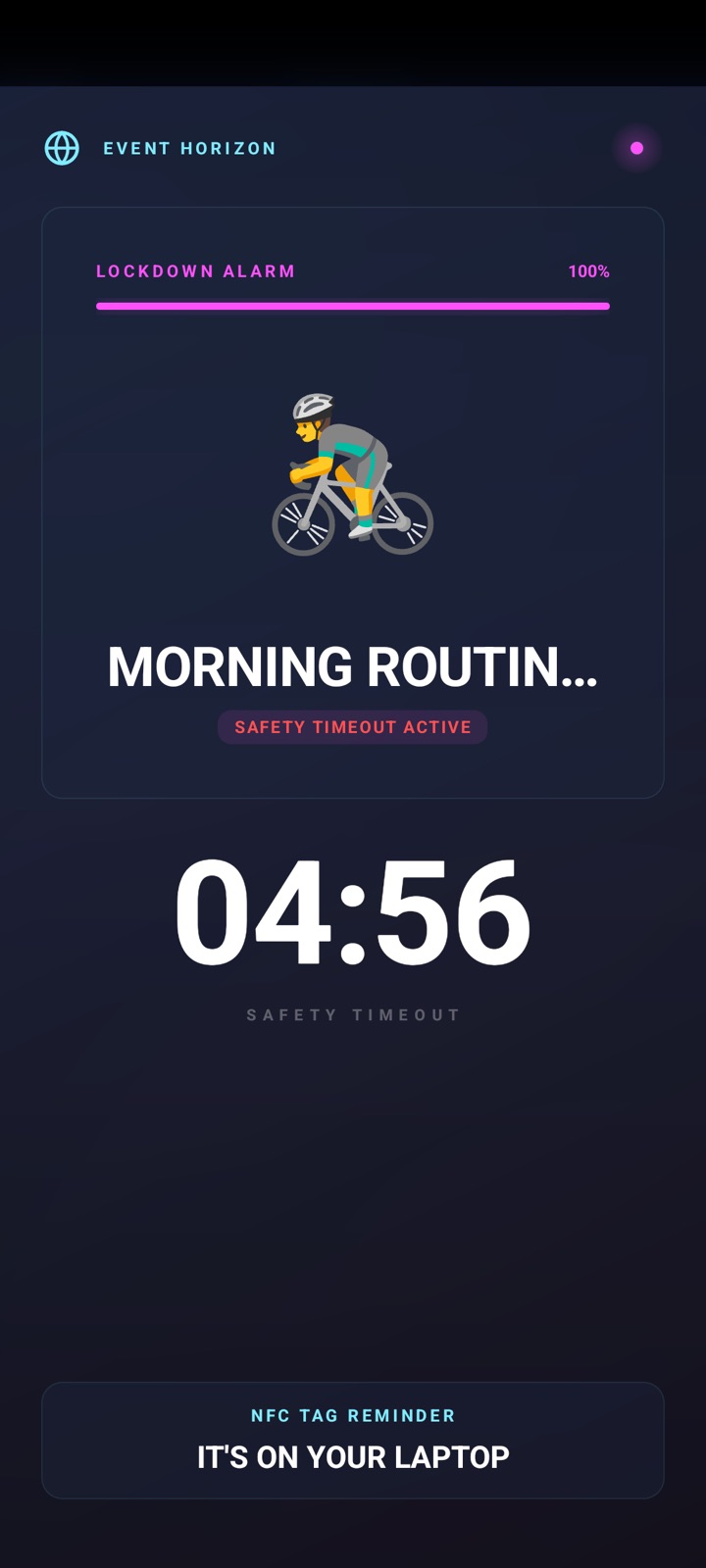
- Enable Persistent Lockdown mode to prevent yourself from swiping away your alarm screen.
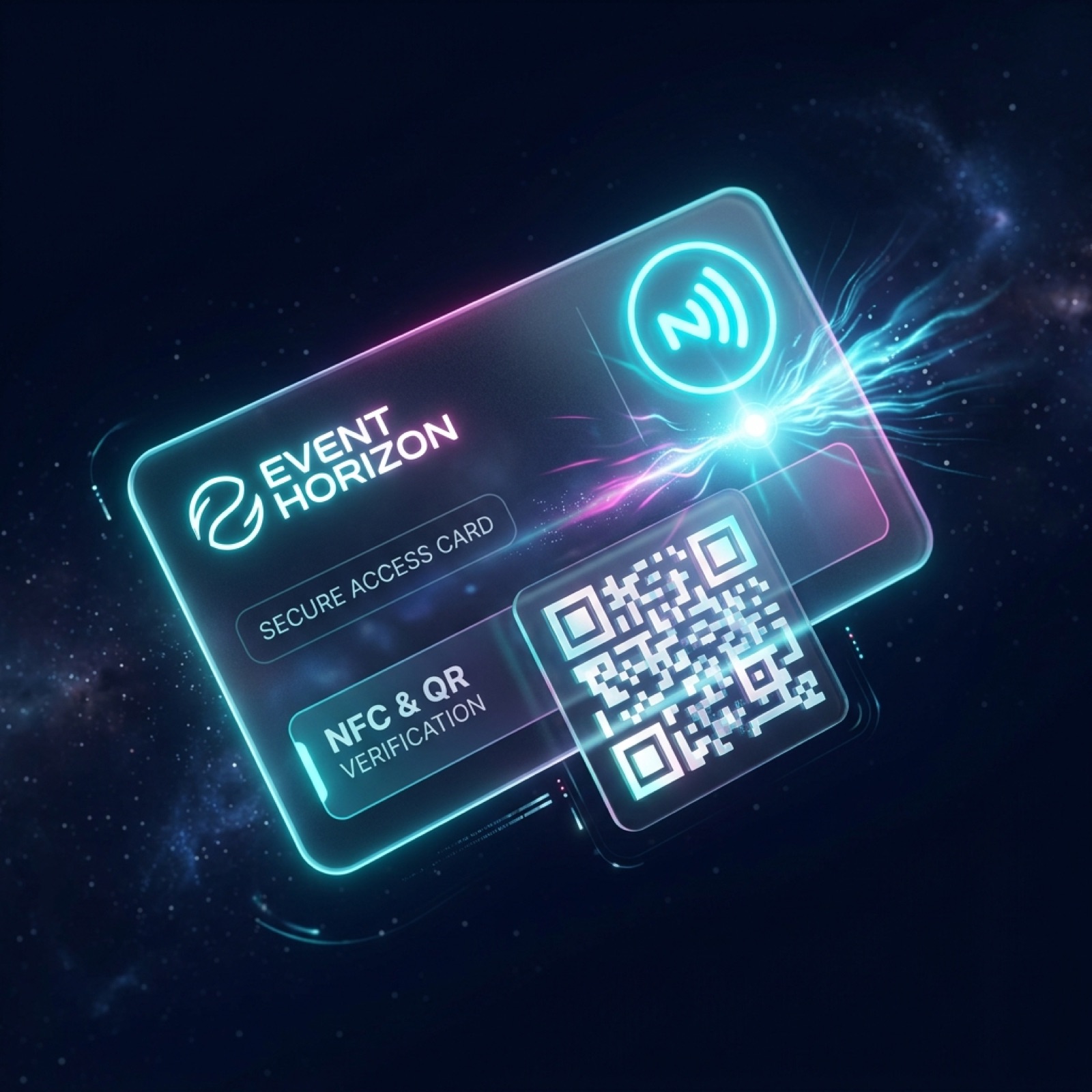
- Lock your routine alarm behind NFC or QR code scanning, forcing you to stand up and go do the thing.
- Safety timeout keeps you accountable. You cannot end that alarm without scanning your code or waiting the safety timeout.
- GPS gated alarms only go off where you placed the disarm code, so you do not get caught with an alarm you cannot disable.
Sentient Routine Engine
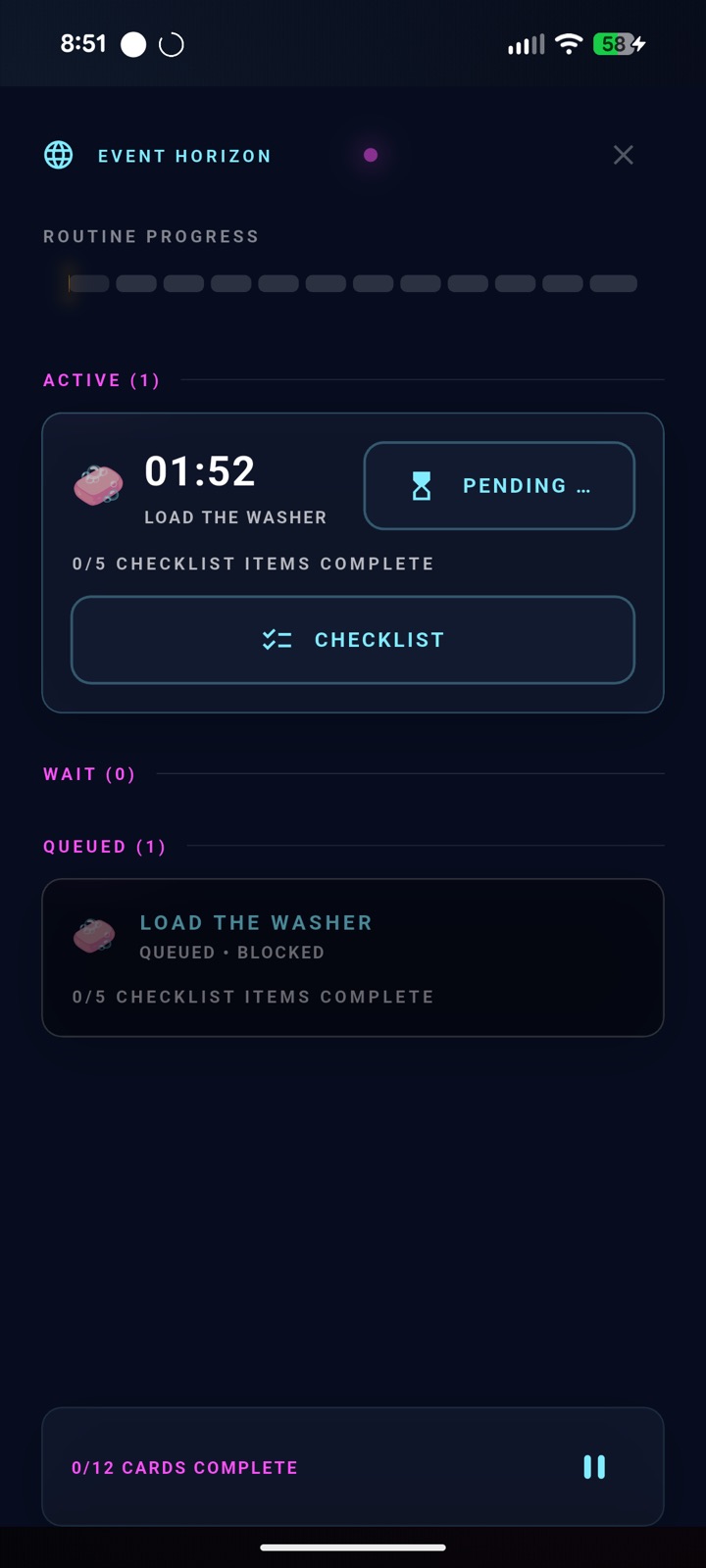
The Sentient Routine Engine.
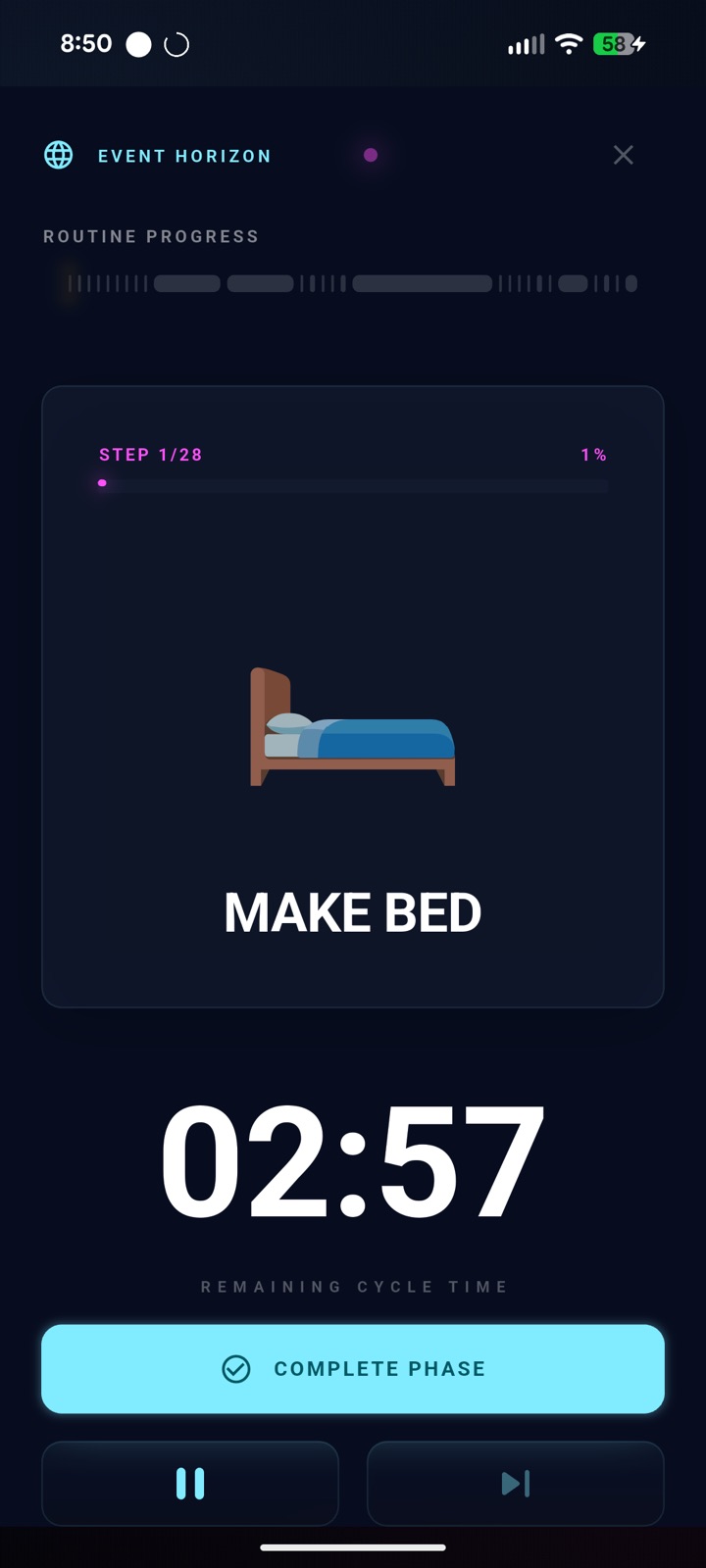
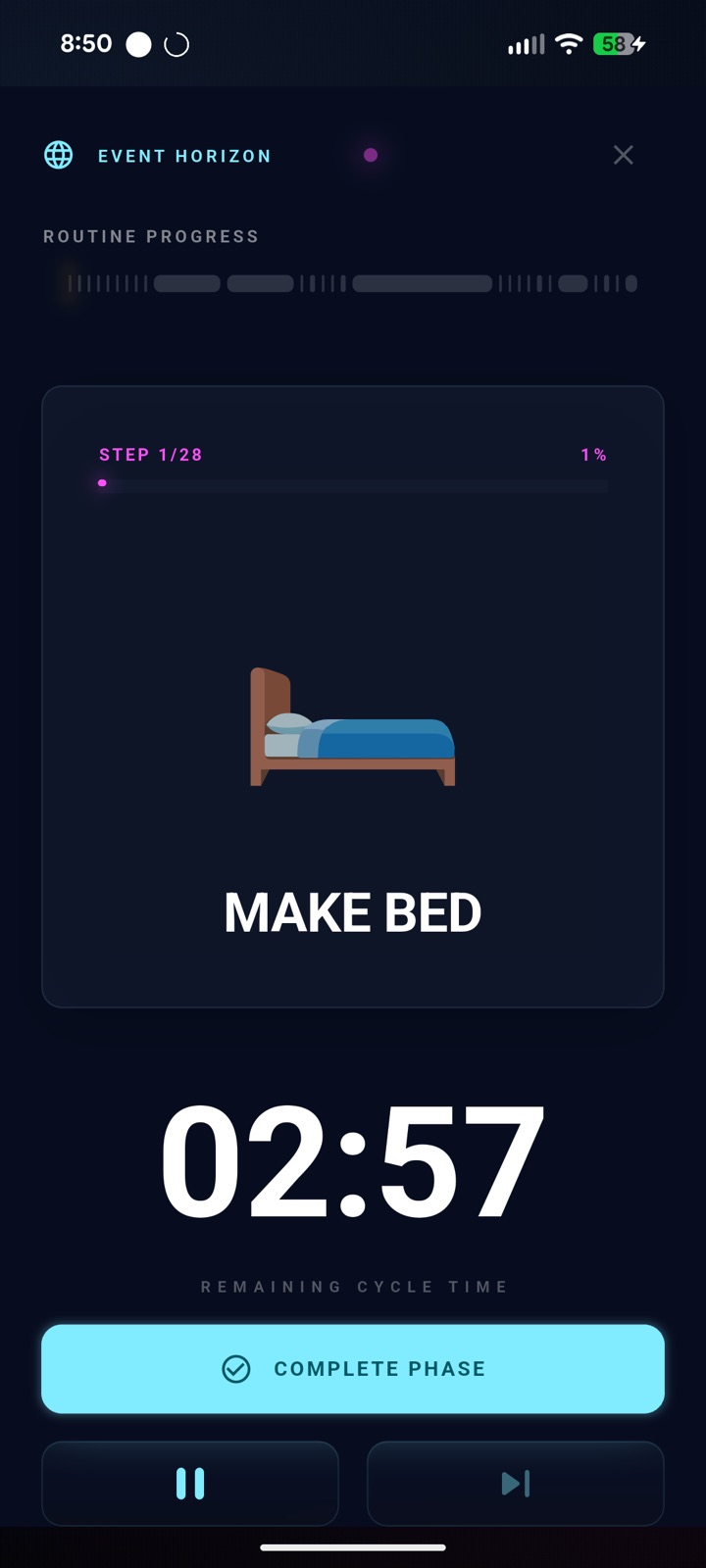
A high-precision HUD that tells you exactly what you need to do, exactly when you need to do it.
- Break down tasks into stages and steps, so you can focus on execution.
- Set timers to keep you on task, then compete against yourself to drive continuous improvement.
- Colorful emojis act as a visual reminder about exactly what you are doing.
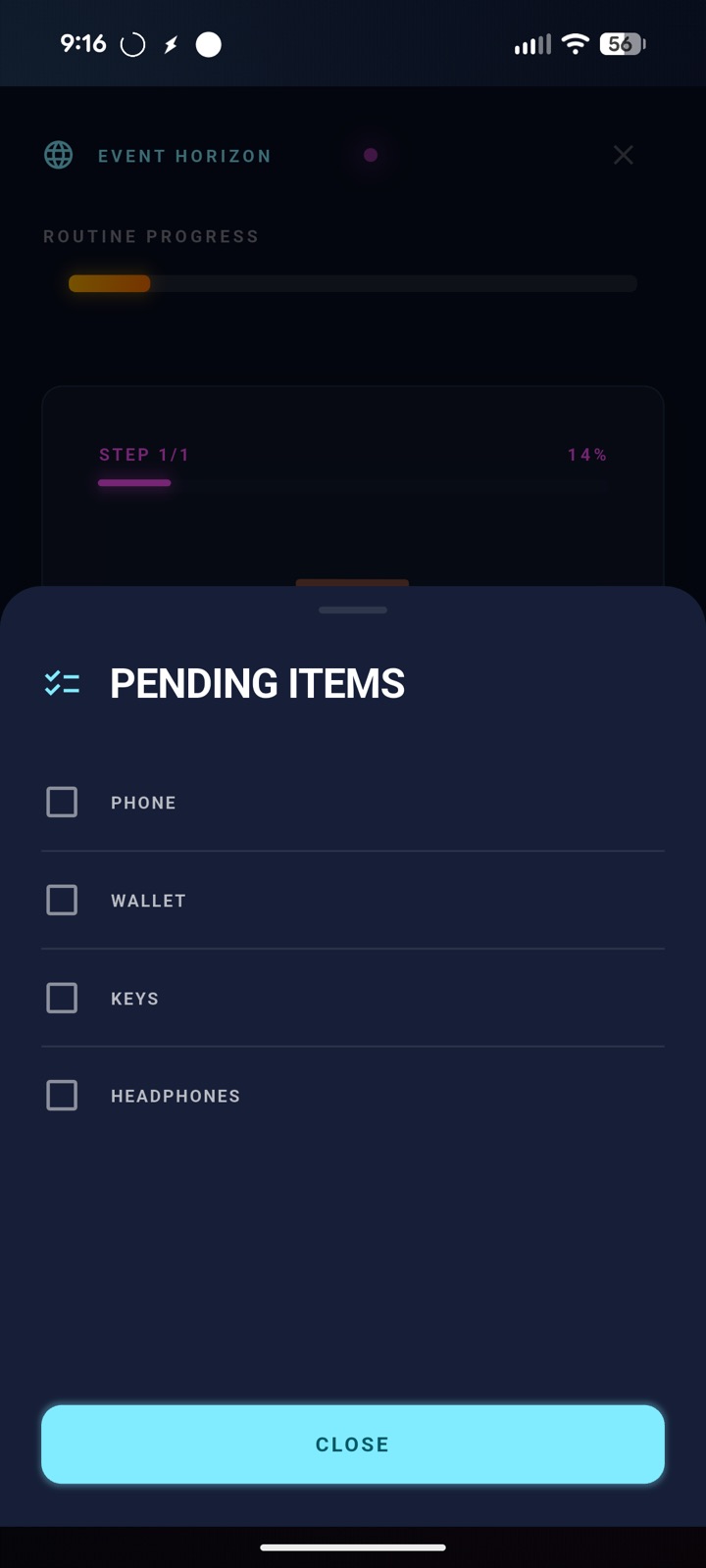
- Add checklists to steps to further break down the task to the atomic level.
Ultimate Flexibility
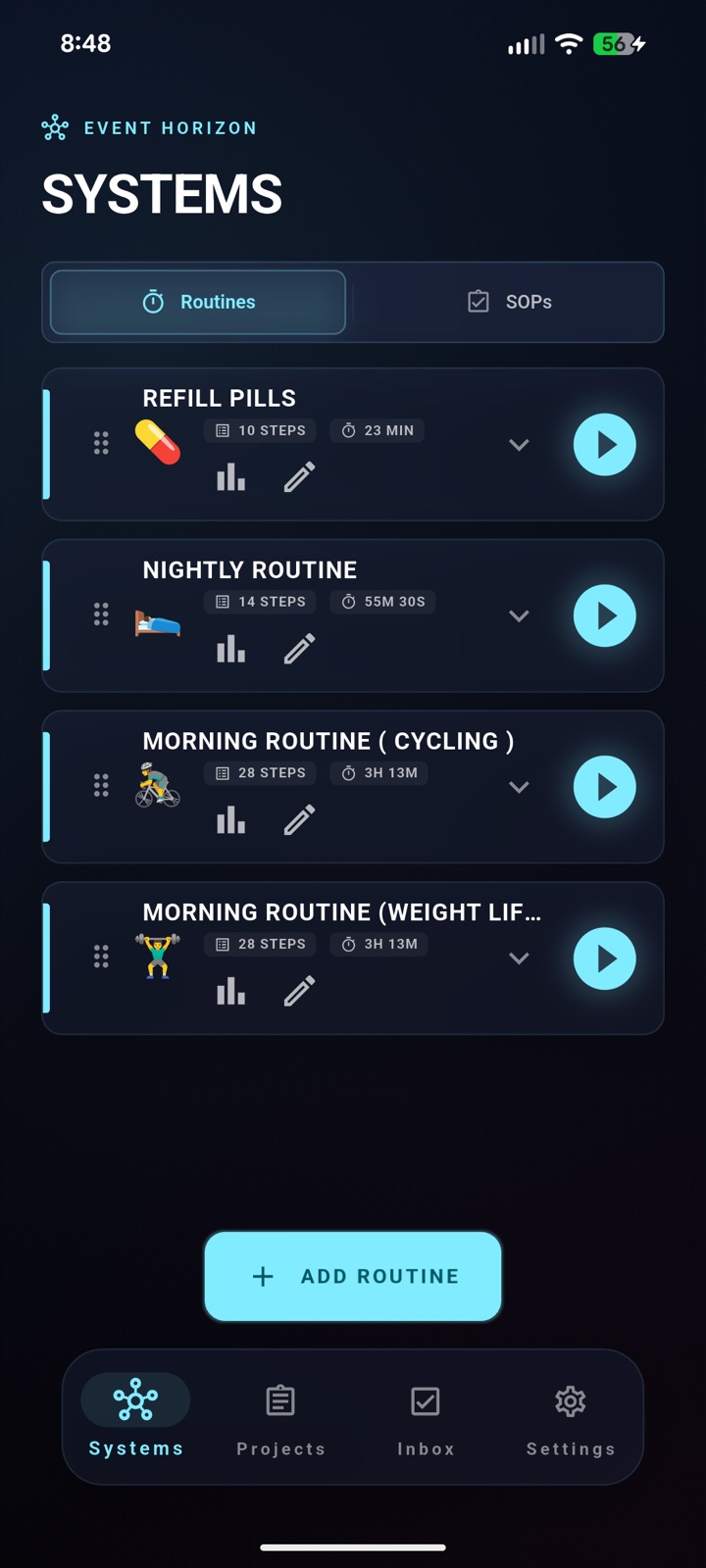
Flexible routine types to fit your Workflow.
Linear phase: a simple list of steps, perfect for your morning and nightly routine.
- Three unique phase types fit daily habits, structured learning, hobbies, and complex parallel workflows.
- Use Routines for simple daily habits or flexible-duration focus sessions.
- Use SOPs to connect your tasks to the exact steps needed to complete them.
Theme Engine Active
Beautiful themes to fit your vibe.
- Light mode for bright environments.
- Dark mode for the full Sentient HUD experience.
- OLED Black for maximum contrast on modern displays.
- E ink for pure black and white clarity.
Task Management
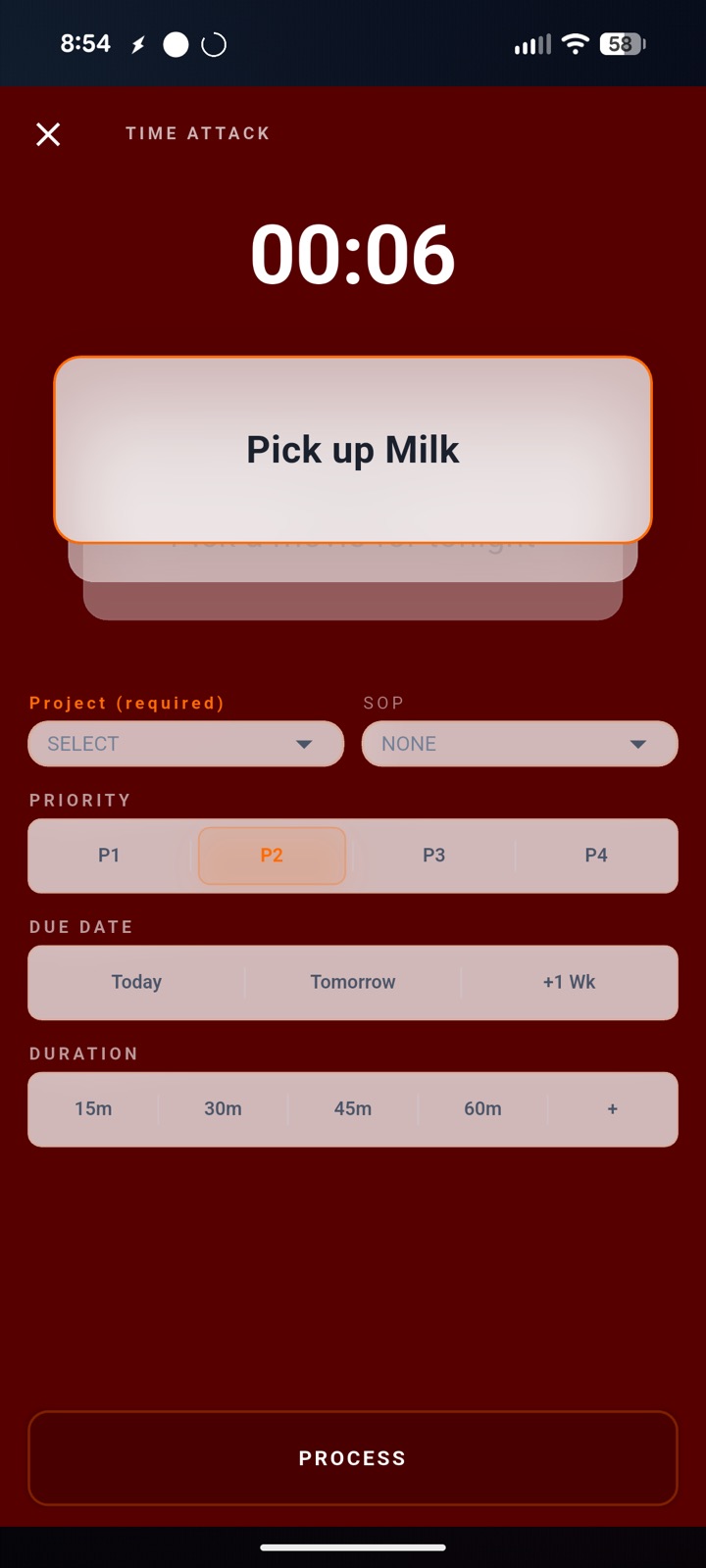
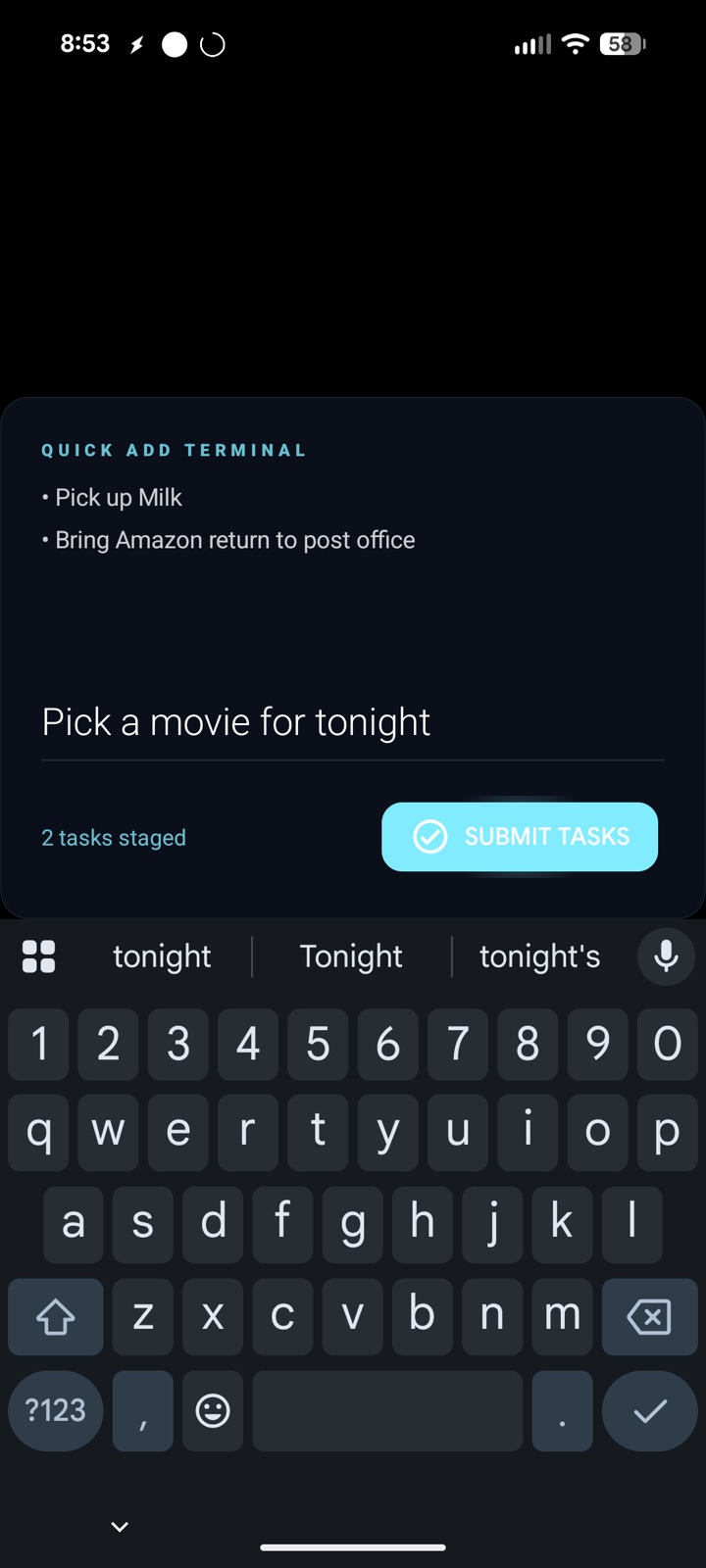
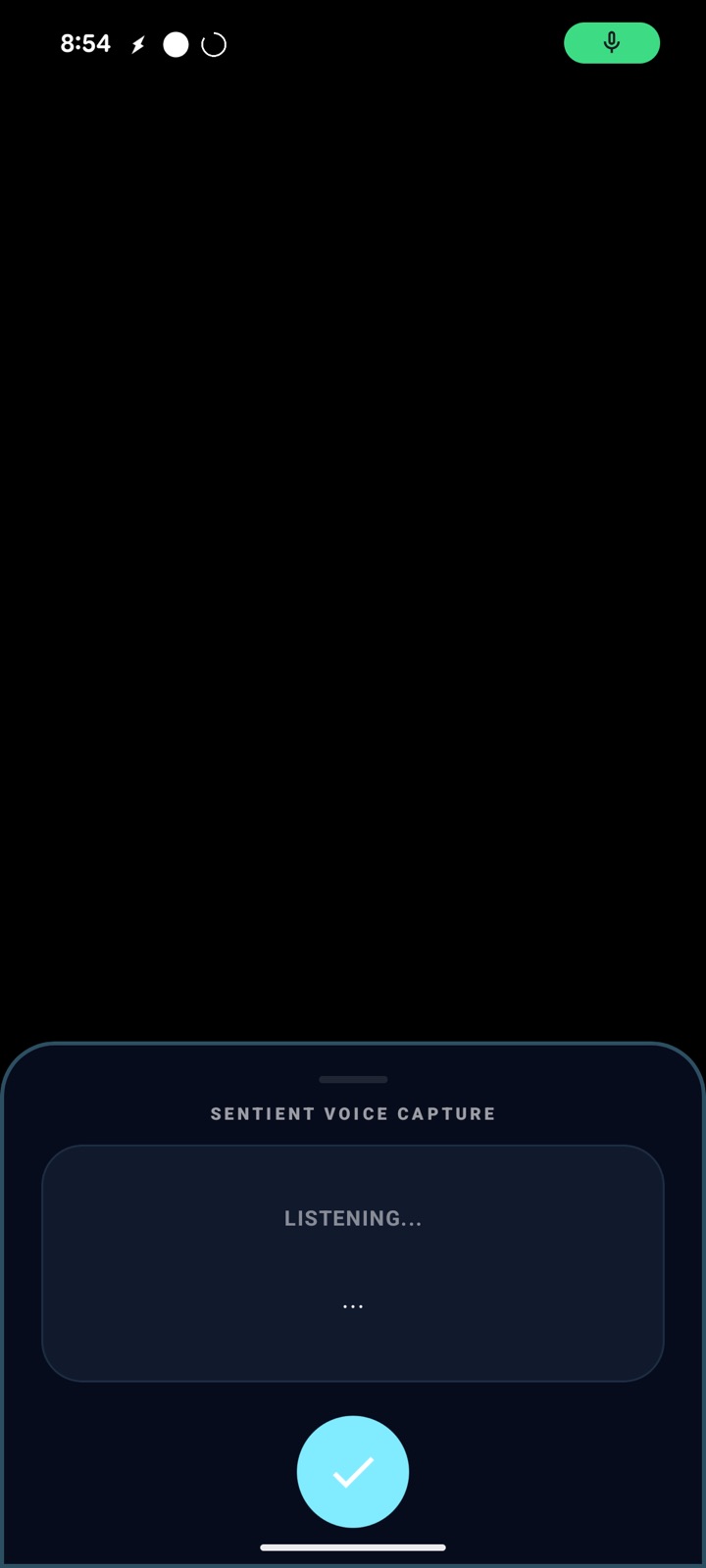
Manage your tasks at the speed of light.
- Quick add tasks from quick settings, voice capture, your homescreen, and other apps with deep links.
- Categorize your tasks with Time Attack mode, the most fun way to send tasks where they are needed.
- Add Projects to categorize tasks that do not have a defined list of steps.
External Integrations
Connect to everything.
- Connect your calendar to trigger routines based on calendar event name.
- Use the Reclaim.ai integration to auto-schedule and reschedule routines and tasks as priorities change.
- Connect to Tasker on Android to trigger smart home automations, send messages, call APIs, and more.
Integration Router
Live Sync

Event Horizon
Routine sync hub
Core
Google Calendar
Event name triggers routines
Read

Reclaim.ai
Auto-schedules routines and tasks
Write

Tasker
Triggers Android automations
Trigger
Contact Us
Talk to the team behind Event Horizon.
Questions, feature ideas, and bug reports go straight to the right inbox.
General Inquiries
[email protected]
Questions, partnerships, and anything that does not fit neatly elsewhere.
Feature Ideas
[email protected]
Requests, workflow ideas, and sharper ways Event Horizon could serve you.
Bugs
[email protected]
Broken flows, crashes, confusing states, or anything that needs repair.
Beta Signup
Build a routine system that can hold the line.
Start with the Android beta and bring your routines, SOPs, task capture, lockdown alarms, and integrations into one sentient productivity engine.